Café Concerto
A village café's digital menu
Visit the live site →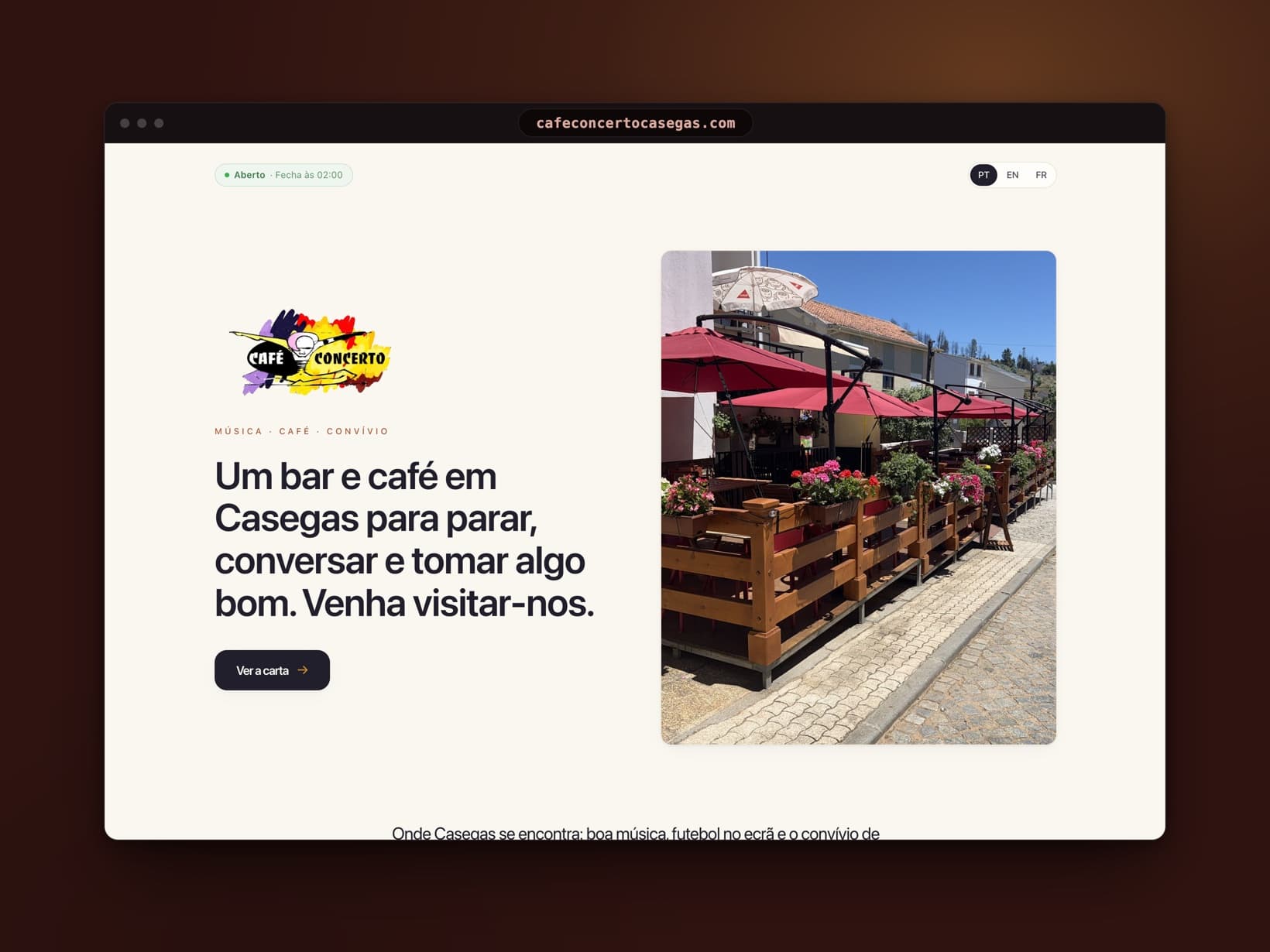
A showcase site and a QR-code digital menu for a village café in Portugal: scan at the table, the menu opens in your language and updates live.
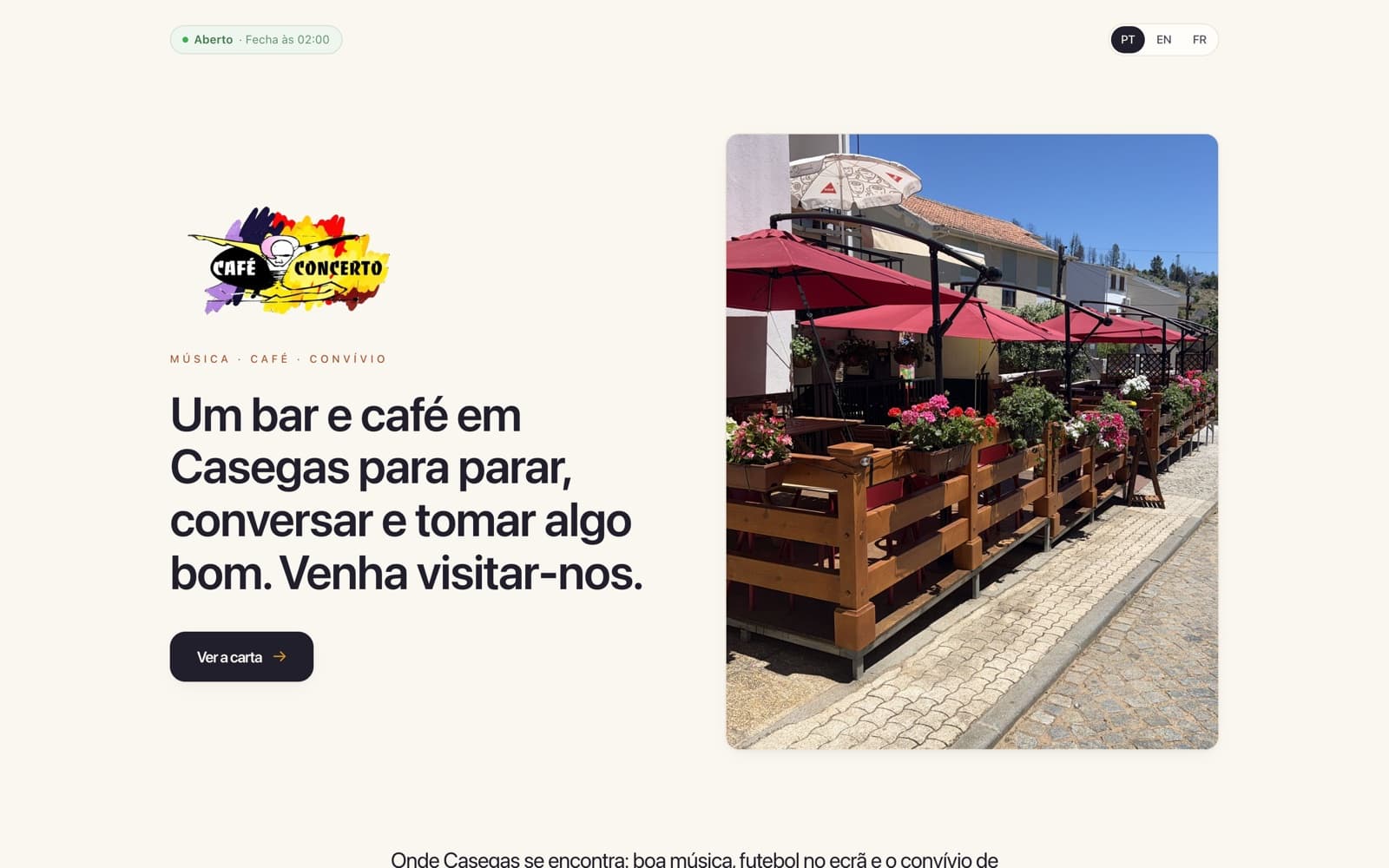
Café Concerto is the historic café of Casegas, a small village in the Serra da Estrela, recently taken over to keep the place alive. I gave it a proper online presence: a warm showcase site and a menu reachable through a QR code at every table, in Portuguese, English and French.
Behind it, a back office designed to stay simple: a 2D floor plan, QR codes generated per table, a menu editable in two clicks and updated live on customers' phones, without reloading the page.
It all runs on its own domain, and dishes are translated automatically: the owner manages the menu himself, without knowing the first thing about the web.
Simple as a chalkboard.
Where it started
The Café Concerto has been part of Casegas, a small village in the Serra da Estrela, for as long as anyone can remember: a café from another era, recently taken over to bring it back to life. Out there, the menu never sits still: a dish runs out, a price moves, a special appears at the weekend. And nobody has the time, or the desire, to maintain a website.
Add the village crowd: regulars, emigrants passing through, hikers. Three languages at the table, paper menus in only one.
The approach
I flipped the problem around: instead of a website to maintain, a digital chalkboard the owner wipes and rewrites himself, from his phone, with zero web knowledge. Every table has its own QR code in the café's colours; scan it and the menu opens, in Portuguese, English or French. Behind the counter, everything is written in Portuguese only: the translations generate themselves.
Best of all, the menu is alive: when he changes a price or marks a dish sold out, the phones of customers already reading the menu update within seconds, without reloading the page.
The build
Everything runs from a full back office, designed for someone who has never touched the web. The owner draws his dining room on a 2D floor plan, drops in his tables and moves them with a finger; each table gets its own QR code, downloadable one by one or as a print-ready PDF sheet. The menu takes two taps to edit: prices, photos, allergens, sold-out dishes.
The admin also covers the rest of the café: opening hours and Wi-Fi shown to customers, the link to leave a Google review, events with their moderated photo wall, scan statistics per table, and separate accounts for the team. Everywhere, little tooltips explain each screen, then switch off once you know your way around.
What it changed
The owner runs his menu on his own, straight from his apron pocket: a price change or a sold-out dish, and every screen in the room is up to date within seconds. Paper menus no longer need reprinting, and every customer reads the menu in their own language.
My real measure of success is not technical at all: since launch, he has never once had to call me for help.